GDPR Compliance

We use cookies to ensure you get the best experience on our website. By continuing to use our site, you accept our use of privacy policy , General Data Protection Regulation (EU) and terms of service .

Video tutorials

Learn Enquete in a few minutes

Short, practical walkthroughs, from your first survey to automated reports. Watch one, then try it straight away in your free account.

How to Create a Survey

Want to create a professional survey in minutes — and actually understand what your results mean? In this video, we walk you through everything: how to build your survey on Enquete.com and how to turn your collected responses into real, actionable insights using our Analytics dashboard and AI Insight feature. We use a patient satisfaction survey as a real-world example throughout, so you can see exactly how it works from start to finish.

All tutorials

How to Create a Survey

Want to create a professional survey in minutes — and actually understand what your results mean? In this video, we walk you through everything: how to build your survey on Enquete.com and how to turn your collected responses into real, actionable insights using our Analytics dashboard and AI Insight feature. We use a patient satisfaction survey as a real-world example throughout, so you can see exactly how it works from start to finish.

Watch tutorial
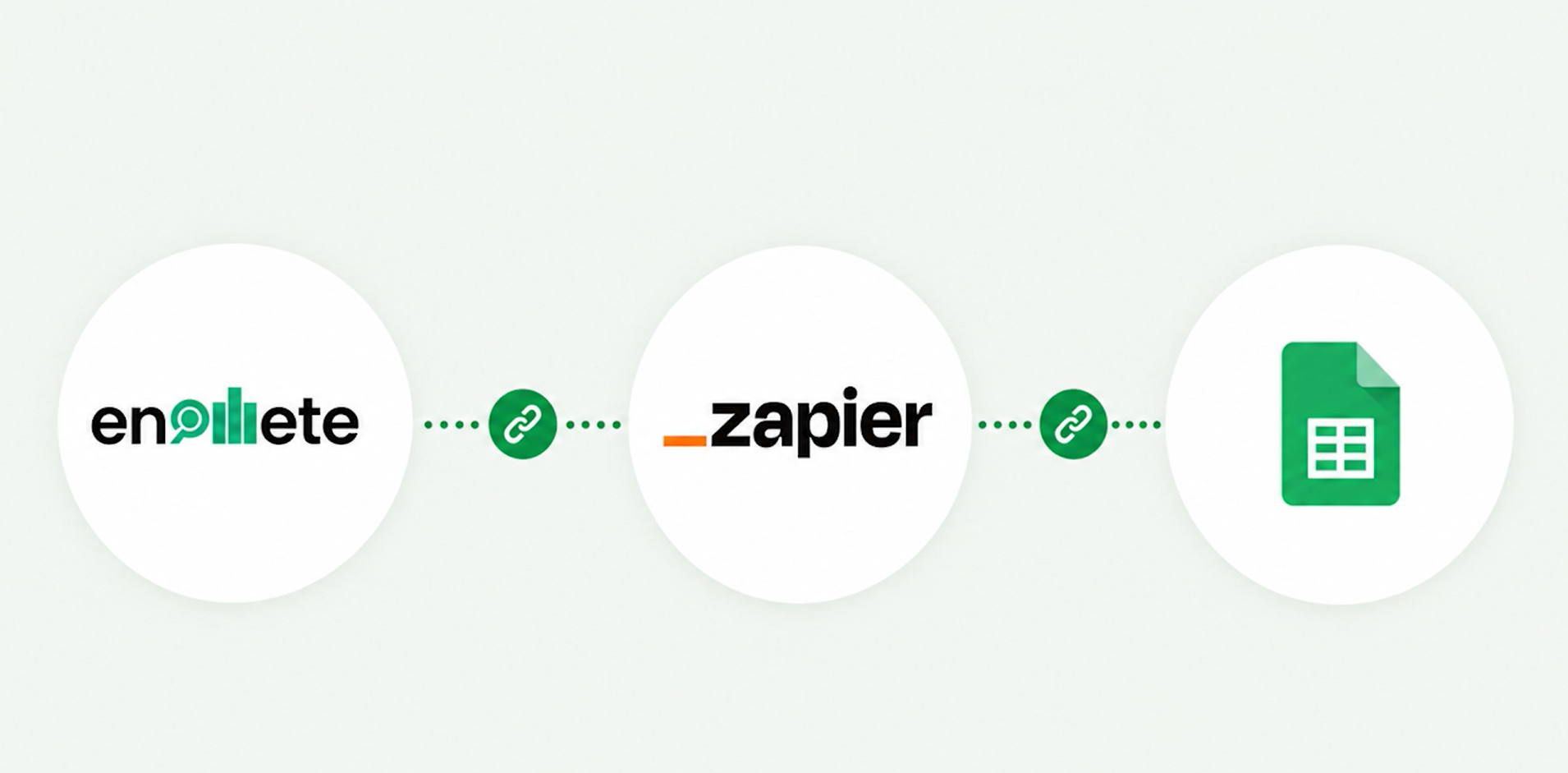
How to Connect Enquete with Zapier

In this tutorial, we show you how to connect Enquete with Zapier and automatically send completed survey responses to Google Sheets—without writing any code. You’ll learn how to configure Enquete as the trigger application, select the right survey event, connect Google Sheets, map your response fields, test the workflow and publish your Zap. We use Google Sheets as a practical example, but you can also connect Enquete to CRM systems, email platforms, project-management tools, reporting applications and thousands of other services available through Zapier.

Watch tutorial

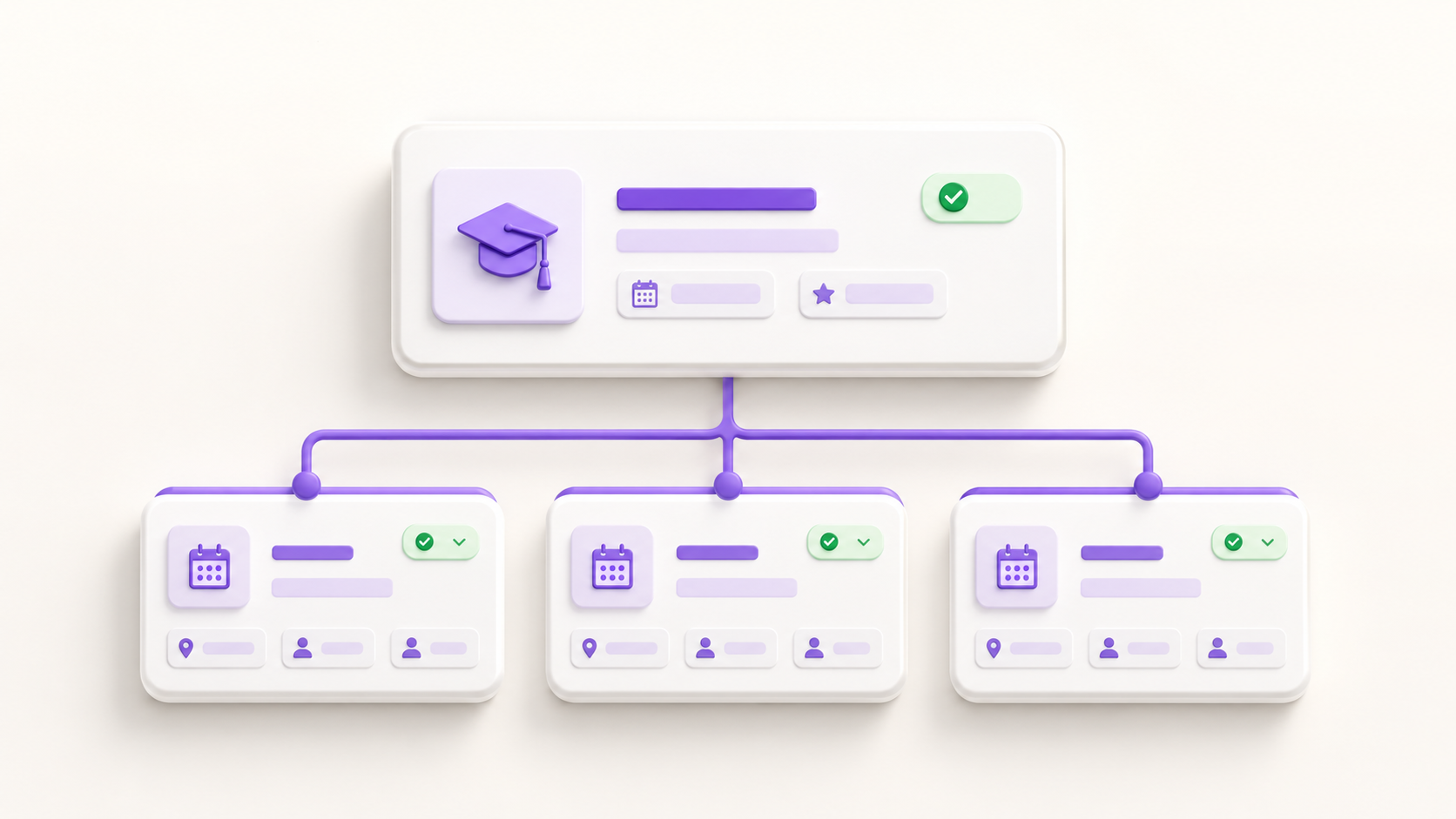
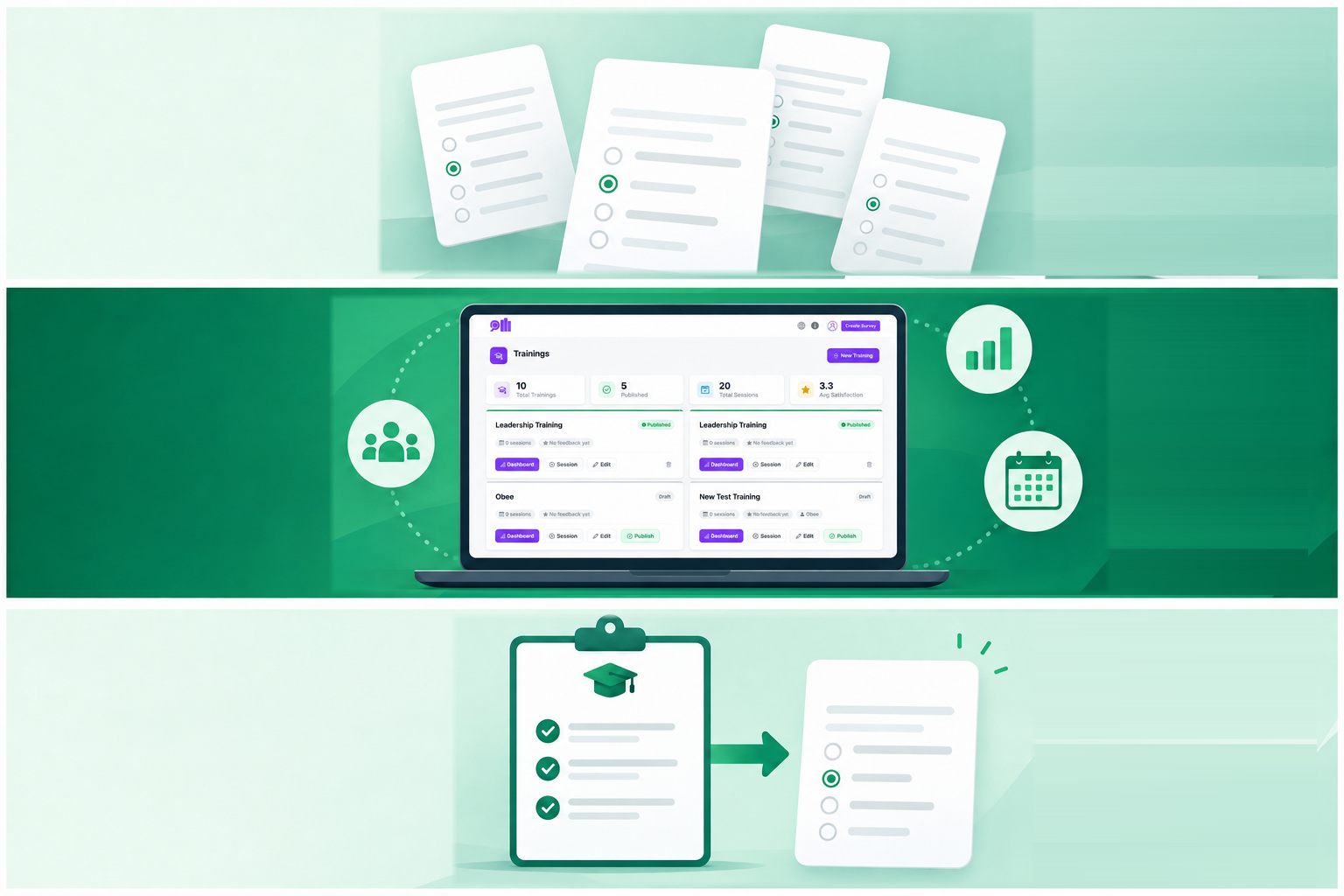
Part 1 - Trainer Suite Tutorial | How to Create and Publish a Training in Enquete

Still creating a separate feedback survey every time you deliver the same training? In this video, we show you how to create and publish a structured training programme using Enquete’s Trainer Suite. You’ll learn how to enter your training details, define clear learning objectives, generate relevant feedback questions using a Kirkpatrick survey model, configure survey delivery and reminder settings, and publish your training. Once the training has been created, you can add individual sessions, invite participants, collect consistent feedback and evaluate performance across multiple training sessions.

Watch tutorial

Part 2 - Trainer Suite Tutorial | How to Create and Manage Training Sessions

Deliver the same training more than once? In Enquete Trainer Suite, you can create multiple sessions under one main training instead of creating a separate training and survey for every delivery. In this video, you’ll learn how to create a training session, add attendees, set the date and duration, choose in-person or virtual delivery, control when the feedback survey is sent, schedule reminders and enable anonymous responses.\

Watch tutorial

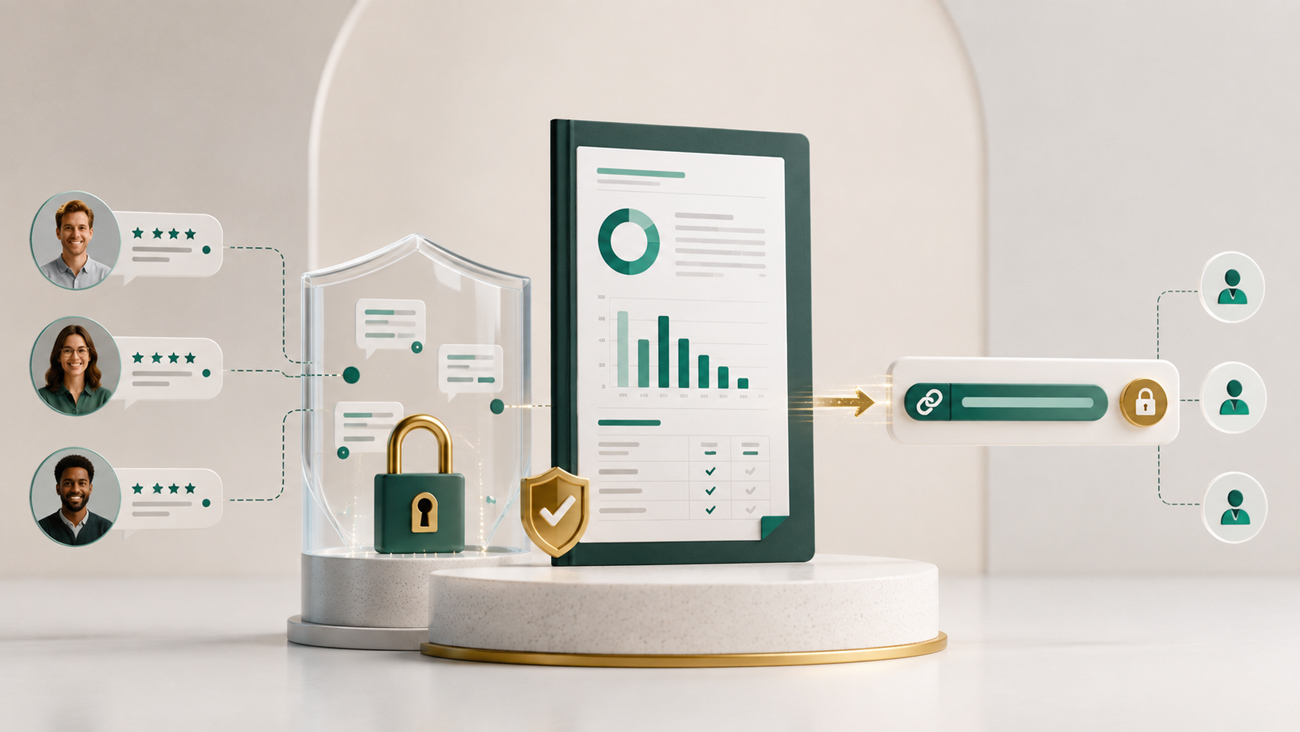
Part 3 - Trainer suite Tutorial | How to Create and share a Verified Training Report

Need to show clients or stakeholders how participants actually experienced your training? With Enquete Trainer Suite, you can generate a Verified Training Report that turns participant feedback into a structured, shareable report. Instead of relying on screenshots or manually prepared summaries, you can provide a report connected directly to feedback collected through Enquete. In this video, you’ll learn what a Verified Training Report contains, what it proves, how participant comments add context, how to publish a training, open the Report Card, generate a shareable link, and send the report to clients, sponsors, managers, or other stakeholders.

Watch tutorial

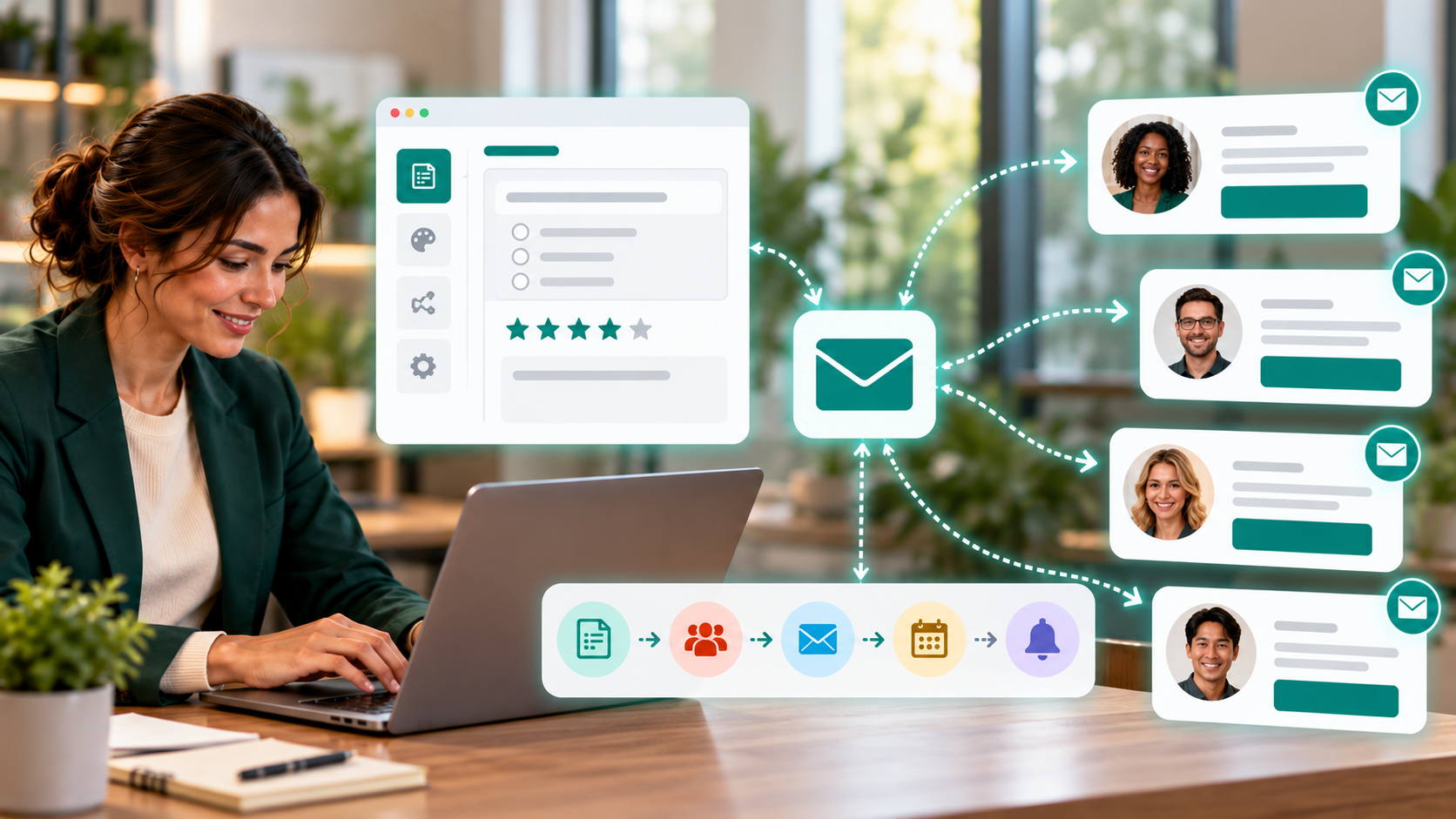
How to Send Surveys via Email Campaigns | Enquete Tutorial

Want to send surveys directly to your respondents by email? With Enquete Email Campaigns, you can create and manage survey invitations, choose your recipients, personalize your emails, schedule delivery, and automate reminder emails — all from one place. In this video, you’ll learn how to create an email campaign, select a survey, choose individual contacts or contact groups, customize your email template, and decide when your campaign should be sent. You’ll also discover how to use Direct Link and Embedded Survey options, configure reminders, and monitor your campaign after sending.

Watch tutorial

Prefer to read, or need a hand?

Seen enough? Build your own in 5 minutes.

Free to start · No credit card required · EU-hosted